A little more room in your day.
Give clients a clear way to book, keep your team organised and make your salon look as good online as it does in person.
Hair, nail, beauty and spa studios that live on appointments, client relationships and a polished online presence.
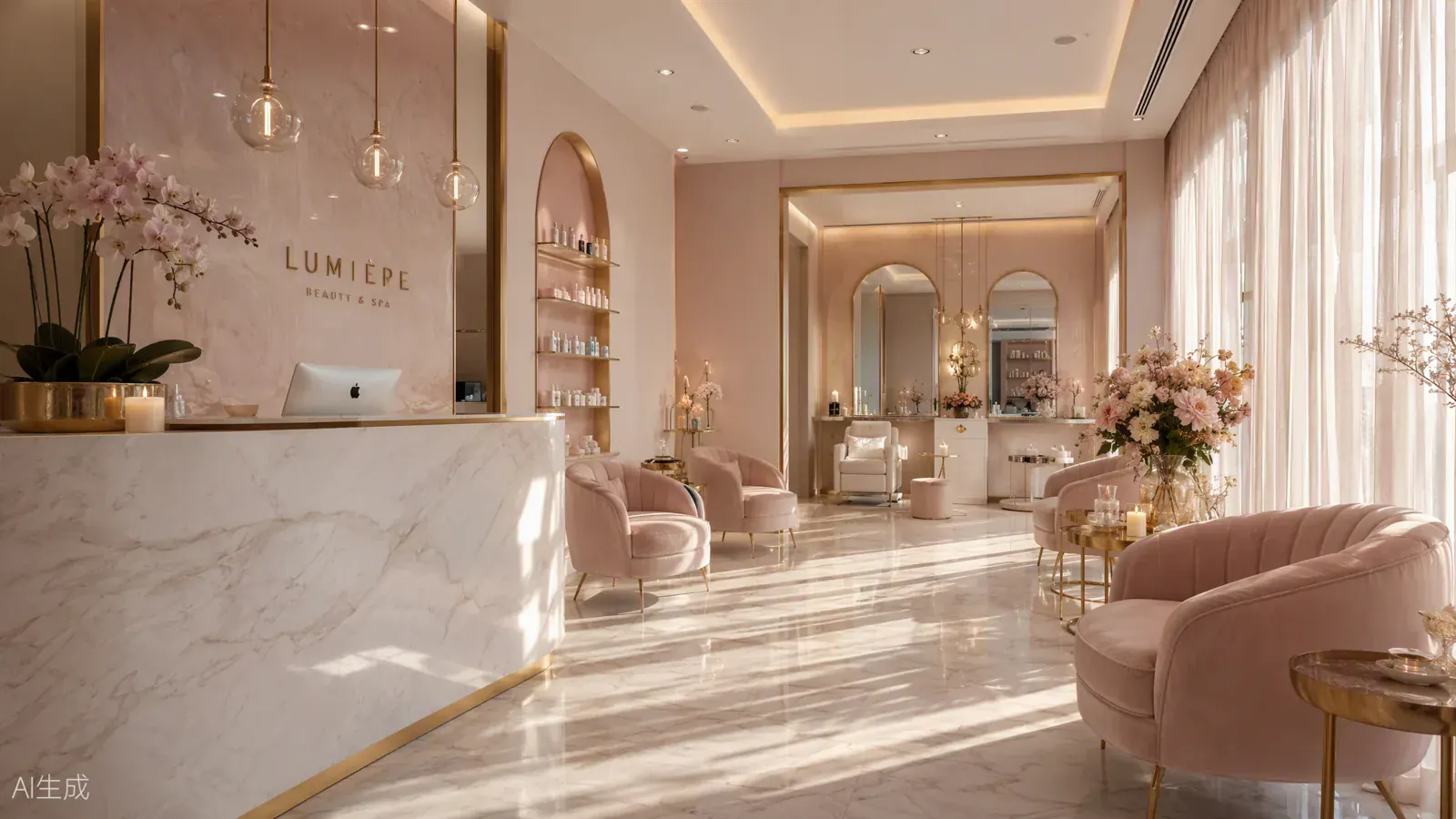 Made for Salons
Colour days, walk-ins, a full Saturday. Booked.
Appointments, stylists and your public booking page all work from the same diary.
What a good salon day needs.
Tools that speak salon: services, stylists and clients, all connected.
Explore plans →- 01Online bookingA service price list, staff availability and a public booking page that only offers real gaps.Your website
- 02Client notesKeep preferences, patch tests and history with each client, ready before they sit down.Behind the desk
- 03Staff availabilityWorking hours, leave and rotas for each stylist, kept in one place.Your team
- 04A salon websitePick a designed template, edit the sections and publish when you’re happy.Online
- 05Gallery and photosShow your work and sharpen the photos before they go public.Online · Socials
- 06Social prepDraft captions, plan posts and publish in the apps you already use.Your socials
See Bloom Beauty Salon at work.
A salon diary: real availability, client notes and a full chair rota. Explore a fictional Bloom Beauty Salon dashboard with made-up staff, customers and bookings. It is read-only, so click anywhere.
Open the Bloom Beauty Salon demo →A booking page that only offers real gaps.
Set up your services and who can do them, and clients pick from times that are genuinely free.
- A price list of services
- Duration for each service
- Which stylists offer it
- Working hours and leave respected
Know the client before they sit down.
Keep notes, preferences and history with each client record.
- Contact details
- Notes and preferences
- Appointment history
- Groups for follow-up messages
A website and gallery that look like the salon.
Start from a designed template, edit the sections, then publish when you’re happy.
- Salon website templates
- A photo gallery
- Photo enhancement before publishing
- Social posts prepared to match
Bookings, chairs and content — without the juggling.
Clients find you, book the right person, and you keep the diary, team and brand looking intentional.
- 01
Show services and take bookings
List treatments with clear descriptions and optional prices, then let clients request appointments with available staff.
- 02
Keep the diary and team aligned
See appointments beside the working week, plan who is in, and handle leave without double-booking a chair.
- 03
Look the part online
Publish a salon website, polish treatment photos in Image Studio, and prepare social captions in your voice.
Who it suits. Hair, nail, beauty and spa studios that live on appointments, client relationships and a polished online presence.
Handy before the first client.
Ask in plain English. Answers come from your diary, team and client notes, not a generic chatbot.
Try asking in the demo →The diary, the team and the clients, in one spot.
Bookings, availability and client details stay connected, so nothing lives only in someone’s head.
 ChivesOne login for all of it.
Good to know.
Can clients book themselves?
Yes. The public booking page offers times based on your services and staff availability.
Can I manage several stylists?
Yes. Each team member has their own availability, rota and leave.
Can I keep client notes private?
Client records sit in your admin area and are not shown on your public website.
Can I sell products or run offers?
Offers and a simple shop are available, and you choose which tools to switch on.