
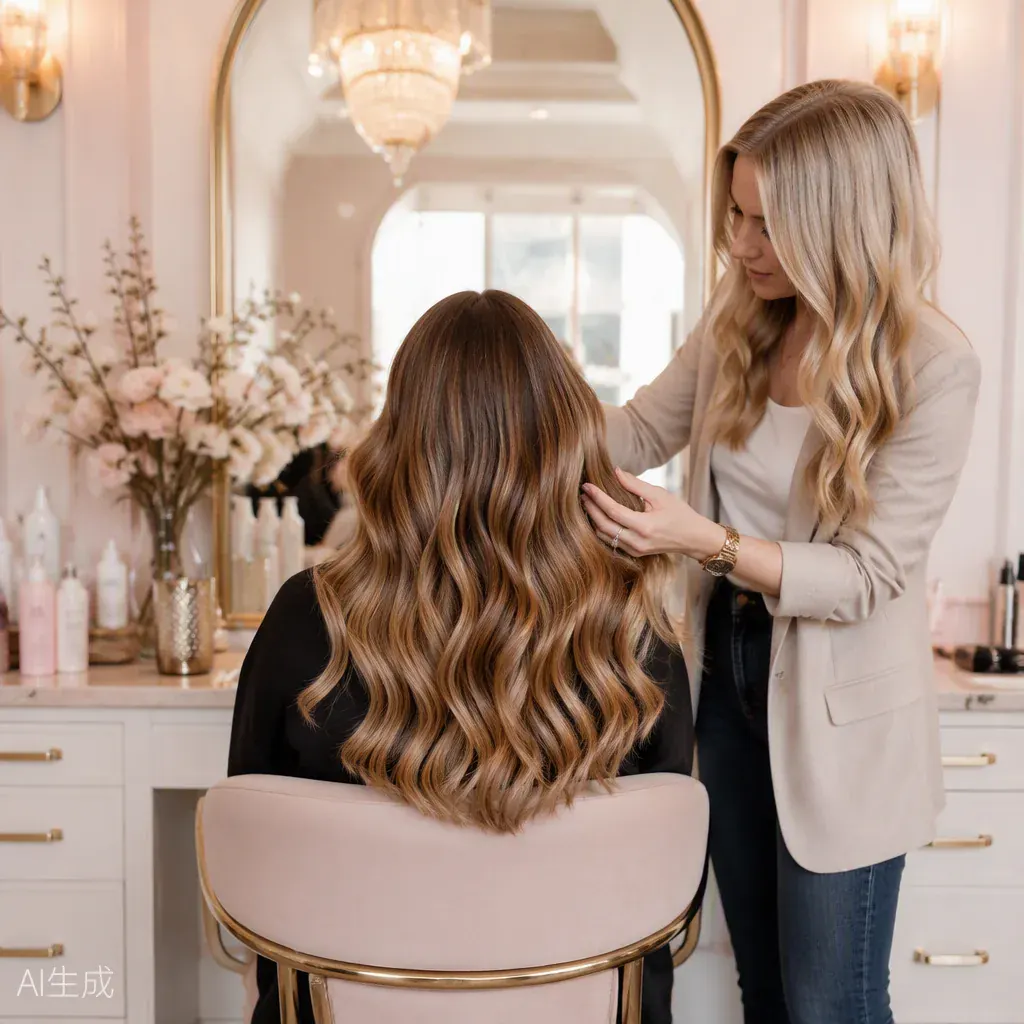
 Salons & barbers
Clients pick the service, the stylist and the time
- Each stylist’s own hours and breaks
- Only gaps long enough for the service
- Their appointments in My work
Online booking · open 24/7
Customers book appointments, tables, rooms and spaces from your website at any hour. Chives only offers times that genuinely work around your opening hours, closures, team and existing bookings. You decide which bookings confirm instantly and which wait for your OK.
You can’t answer the phone with a client in the chair or a full pass in the kitchen. Customers who can’t book straight away go somewhere that lets them.
Without Chives
 With Chives
On the left is what your customer sees. On the right is your diary. Pick a service and a time, and see how only genuine gaps are offered.
Your customer sees
Service
With
Day
Time 20 free
You see
4 appointments · overlaps can’t be booked
Example with a fictional salon. Times and names are made up.
The assistant reads your appointments, reservations, room bookings and venue hire, so you can ask about the diary in plain English instead of scrolling through it.
Upcoming appointments, tables, rooms and hire, summarised. Customer contact details stay out of answers.
Turn a post-visit review into a thoughtful reply in seconds.
Draft a post or offer for the times that need filling.
Your booking page is part of your website, in your branding.
Appointments, tables, rooms and spaces live side by side, with the right rules for each.
A service price list with durations, assigned staff and weekly availability, including breaks.
Availability combines staff windows, opening hours and existing appointments. The full service has to fit.
One-off closures block bookings and show on your website for the next 30 days.
Take bookings from your website and move them from pending to confirmed in a tap.
Keep rooms, stays and guests organised alongside everything else.
Hire spaces by the hour with capacity checks. Enquiries never block a space until you confirm.
Choose per booking type, or per service, whether bookings confirm straight away or wait for you.
Send a secure card payment link for a deposit once payments are connected.
Each team member sees the appointments assigned to them in My work.
A booking isn’t just a line in a diary. Chives puts it in front of the right people automatically.
See every toolSalons & barbers Restaurants & cafés
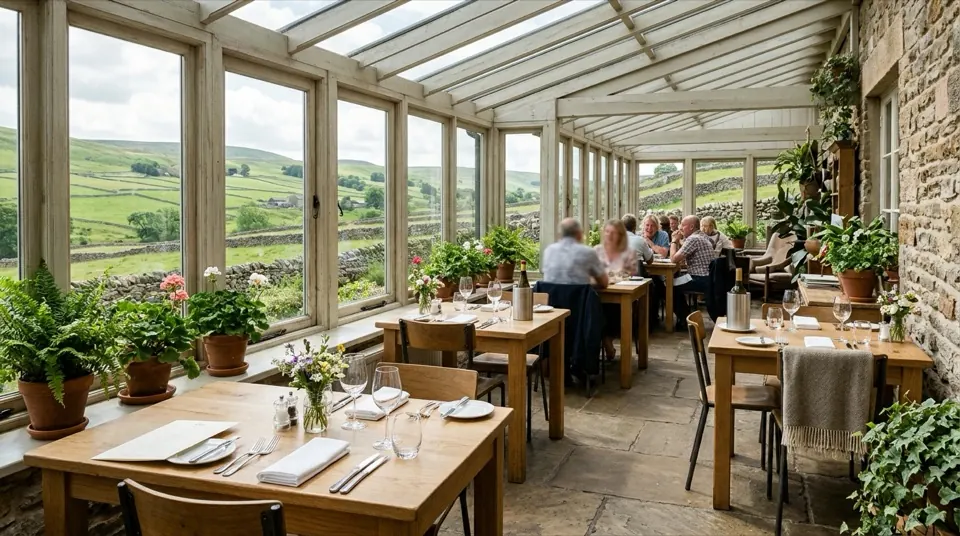 Pubs & venues
Illustrative examples with sample photography.
Everything on this page is included
£15.99per business / month
Or £150 a year. Every other tool in Chives comes with it.
Straight answers, including what it doesn’t do yet. Anything else, just ask us.
Yes. Your booking page is live whenever your website is, and customers can book up to 180 days ahead.
Yes. Choose whether each type of booking confirms instantly or waits for you, and you can override it for individual services.
Not yet. Customers see their confirmation on screen as soon as they book. Automatic email and text reminders are on our roadmap.
Yes, once you’ve connected payments. Send the customer a secure card payment link for the deposit from the Payments page.
Chives rechecks availability at the moment of booking, so the second person is asked to pick another time. A person or space can’t be double-booked.
Booking availability is set per person and kept separate from the rota, so you can offer appointments on a different pattern to shifts.
Every feature shares the same records, the same login and the same bill.
100+ website examples, click-to-edit, AI editing and hosting included.
RotasRotas planned around working patterns, hours, leave and staff type.
Online sellingYour own shop and takeaway ordering, with card payments built in.
Business chatAn assistant that answers from your live business data.
AIUse the AI built into Chives, or connect your own ChatGPT or Claude.
Set up your services this afternoon and share your booking link tonight.
No card to look around. £15.99 a month when you’re ready.