£70 ·
← All of Chives
Online shop · orders · card payments
Your shop, open around the clock.
Put your products on your own website, take card payments securely through Stripe and run every order from one tidy list. Restaurants and takeaways get online ordering from their live menu too. And there’s no marketplace taking a cut of every sale.
- Card payments via Stripe
- Collection or delivery
- No extra platform fee
- 0%
- platform fee from us on your sales
- 24/7
- your shop never shuts
- 5
- order stages, from new to completed
- 1
- list for every online order
Selling online shouldn’t mean giving away your margin.
Marketplaces take a slice of every order, and a jumble of DMs, spreadsheets and payment apps means things get missed. Your shop should be yours.
- Marketplace commission
- Orders lost in DMs
- “Is this still available?”
- Out-of-date stock lists
- Three apps to take one payment
Without Chives
- A slice of every sale to a marketplace
- Orders arriving by message, call and email
- Selling things you’ve already run out of
- Payments in one app, orders in another
 With Chives
- Your own shop, with no extra fee from us
- Every order in one list, in order
- Stock tracked, sold-out items shown as unavailable
- Payments and orders matched up automatically
Shop as a customer. Run it as the owner.
Add something to the basket and check out. Watch the order land on your side, then move it along from paid to packed to done.
Your customer sees
 Seasonal hand-tie£353 left
 Peony jar£282 left
 Wedding posy£85Last one
 Dried wreath£42Sold out
You see
£28 ·
£85 ·
£32 ·
Collection orders skip “Shipped” and go straight to completed.
Example with a fictional florist. Products, prices and orders are made up.
AI behind the counter
Better listings. Fewer late nights.
The AI tools in Chives help you make products look and read their best, and the assistant keeps an eye on your orders for you.
- Snap it on your phone.Image Studio reframes and relights a phone photo into a proper shot.
- Describe it in a line.Copywriting turns a short brief into product and web copy in your tone of voice.
- Ask how it’s going.“How many orders came in today?” The assistant answers from your live orders.
- Image Studio
Better product photos without a studio.
- Copywriting
Product and web copy drafted from a short brief.
- Order answers
Order counts and order value from your live records.
- Social posts
A caption for your new arrivals, shaped for each platform.
From first listing to last delivery.
A proper shop, proper payments and a proper way to keep on top of orders, all on your own website.
- Your own storefront
Products with photos, categories and prices, shown on your website in your branding.
- Stock that behaves
Track stock per product and keep items as draft, active or archived.
- Collection or delivery
Customers choose how they get their order and add a delivery address when needed.
- Card payments
Secure checkout through Stripe, with the money paid to your own Stripe account.
- Order tracking
Move each order through new, paid, packed, shipped and completed.
- Refunds
Refund a card payment from the Payments page when you need to.
- Payment links
Send a secure link for a deposit, an invoice or a one-off sale.
- Card readers
Take payments in person with a Stripe smart reader, recorded alongside online sales.
- Takeaway ordering
Restaurants and cafés take collection and delivery orders from their live menu.
Every sale, joined up with the rest of the business.
Orders, payments, customers and your website share one set of records.
See every toolOnline selling
- Your websiteShop in your branding
- PaymentsOnline and in person
- CustomersBuyers in your CRM
- MenusTakeaway from live menu
- DashboardToday’s orders at a glance
- AssistantAsk how sales are going
Whatever you sell, sell it here.
 Florists & gift shops
Bouquets ordered online, collected or delivered
- Seasonal stock that sells out cleanly
- Delivery addresses captured at checkout
- Paid before you start arranging
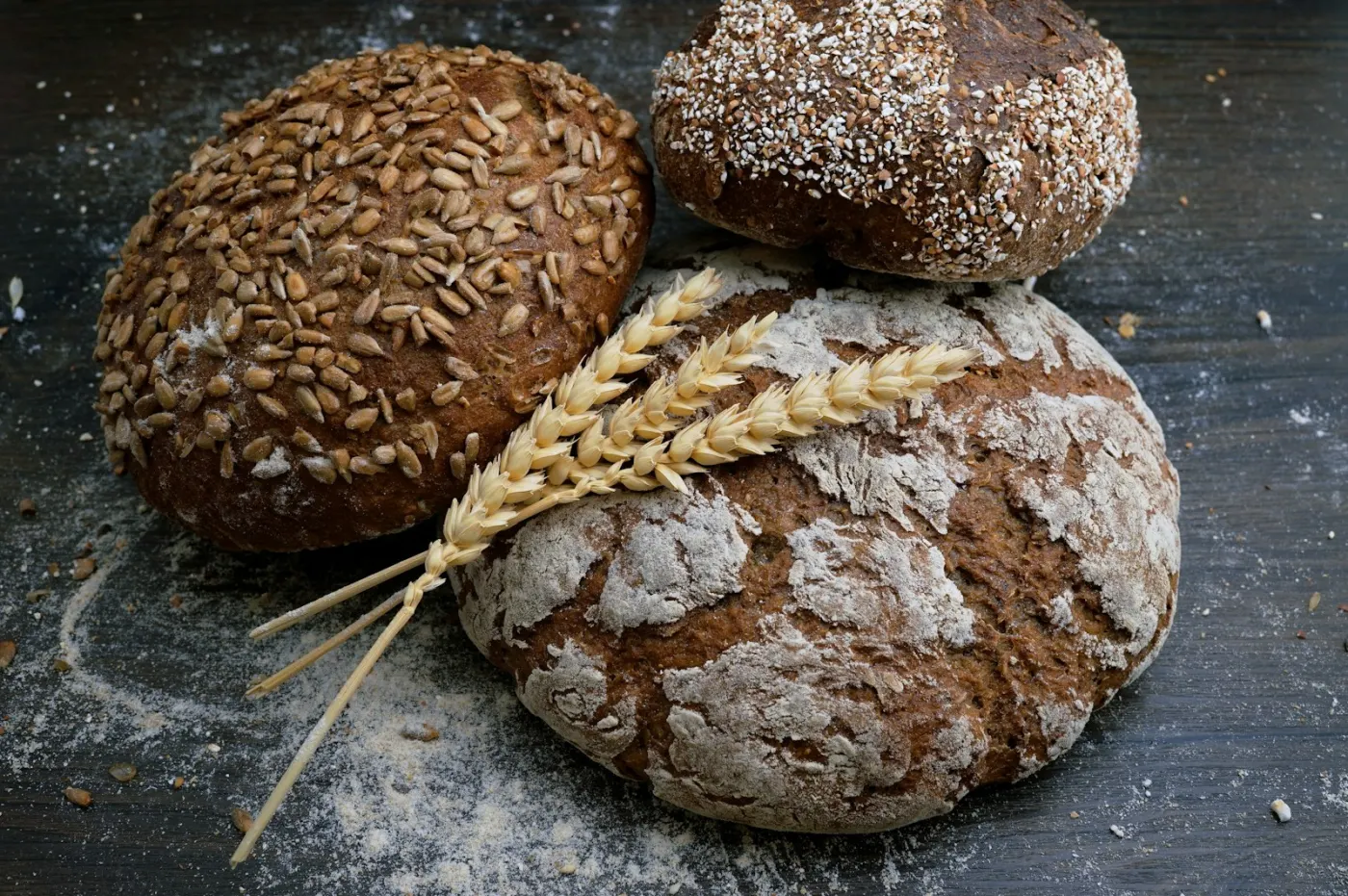 Bakeries & delis
Pre-orders for the weekend rush
- Collection orders ready to go
- Draft items for next week’s specials
- Pay online or on collection
 Takeaways
Orders straight from your live menu
- Takeaway and delivery from one page
- Pay now by card
- A queue from accepted to ready
Illustrative examples with sample photography.
Everything on this page is included
£15.99per business / month
Or £150 a year. Every other tool in Chives comes with it.
No add-ons. No surprises.
- Storefront on your website
- Product catalogue with photos
- Stock tracking
- Collection and delivery
- Card payments through Stripe
- Order management and statuses
- Payment links and card readers
- Takeaway and delivery food ordering
Fair things to ask.
Straight answers, including what it doesn’t do yet. Anything else, just ask us.
What does it cost to take card payments?
We don’t add a platform fee on your sales. Payments go through your own Stripe account, so Stripe’s standard card processing fees apply.
Do I need a Stripe account?
To take card payments, yes. You connect one from Settings in a few steps. Until then, customers can choose to pay on collection or delivery.
Can I take payments in person too?
Yes. Register a Stripe smart reader (WisePOS E or S700) and take card payments at the counter, recorded alongside your online sales.
Can I refund an order?
Yes. Card payments can be refunded in full from the Payments page.
Does it work for food orders?
Yes. Restaurants, cafés and pubs can take takeaway and delivery orders straight from their live menu, with a queue from accepted to ready.
What happens when something sells out?
Stock is tracked per product, and items with no stock are shown to customers as unavailable.
And it all works together.
Every feature shares the same records, the same login and the same bill.
Websites & hosting
100+ website examples, click-to-edit, AI editing and hosting included.
BookingAppointments, tables, rooms and venue hire, booked from your website.
RotasRotas planned around working patterns, hours, leave and staff type.
Business chatAn assistant that answers from your live business data.
AIUse the AI built into Chives, or connect your own ChatGPT or Claude.
Open the shop that never closes.
Add your first products this afternoon and take your first order tonight.
No card to look around. £15.99 a month when you’re ready.