 Pubs & bars
Bar and kitchen covered for the busy nights
- Different roles on different days
- Holidays worked around automatically
- Costs checked before you publish
Rotas & team · planned for you
Tell Chives who you need and when. It plans around everyone’s working pattern, the hours you’ve assigned them, their annual leave and the coverage you need by type of staff member, then hands you a costed draft with every gap flagged. You tweak it, publish it, and your team sees their shifts straight away.
Building a rota means holding everyone’s availability, holidays, hours and the wage bill in your head at once. It eats your evening, and one sick day undoes it.
Without Chives
 With Chives
Pick a request. The planner matches people to roles, respects their availability and leave, flags what it can’t cover and adds up the cost. Then it waits for you.
1 · Tell it what you need
2 · Annual leave
3 · Staff type, working pattern and hours
| Staff | Mon | Tue | Wed | Thu | Fri | Sat | Sun |
|---|---|---|---|---|---|---|---|
| Tom | Server09–17 | Server09–17 | Server09–17 | Server09–17 | Server09–17 | ||
| Priya | Server09–17 | Server09–17 | Holiday | Holiday | Holiday | ||
| Jas | Server09–17 | Server09–17 | Server09–17 | ||||
| Dev | Chef10–18 | ||||||
| Aisha | |||||||
| Gaps |
Every shift covered. Availability, approved leave and weekly hour limits all checked.
Example with a fictional café team. Names, rates and shifts are made up.
Set out your needs in a simple form, or just say them. Either way, a rules-based planner does the matching, so every rule is checked the same way every time.
Refine next week by talking it through. Your changes map back onto the plan.
See why each person was or wasn’t picked: role, leave, availability, hours or rest.
“Who’s on Saturday?” “Who’s off next week?” Answers from the published rota.
Staff pay is never sent to the AI that reads your request.
Everything a rota depends on lives together, so the planner always works from the latest picture.
Say how many servers, chefs or any other role you need each day. Only people who do that job are picked for it.
Each person’s usual days and hours, including split shifts and breaks. Nobody is rostered outside them.
Staff request leave, managers approve or decline, and the planner works around it, with pending requests held back by default.
Set how many hours each person should get this week, within their contracted hours. Set someone to zero to leave them out.
See the estimated cost of the week, hourly and salaried, before anything is published.
Previews never save or publish on their own. Replace the week with a draft, then publish separately.
Each person sees only their own shifts, appointments and leave balance, and requests holiday there.
Weekly hours submitted, approved and exported, without the spreadsheet.
Managers plan, staff see their own week, and pay stays with the people who should see it.
Holidays, hours and availability all feed the planner, and the published rota feeds everyone else.
See every toolPubs & bars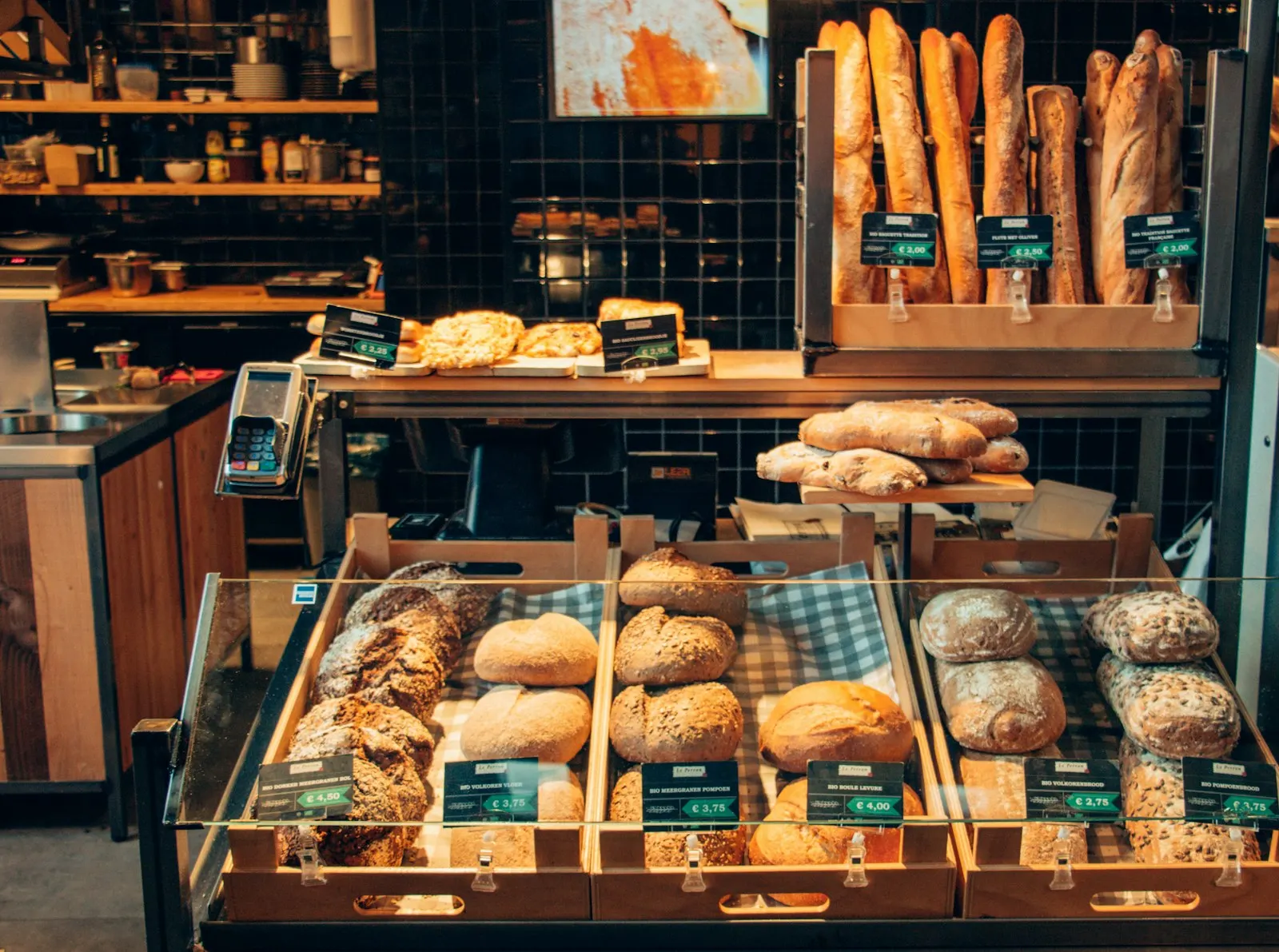 Cafés & bakeries
 Salons & studios
Illustrative examples with sample photography.
Everything on this page is included
£15.99per business / month
Or £150 a year. Every other tool in Chives comes with it.
Straight answers, including what it doesn’t do yet. Anything else, just ask us.
No. The planner works from a simple form of role needs and doesn’t need AI at all. Talking it through is an optional extra for refining the plan.
Never. The planner only ever produces a preview. You choose to save it as a draft, edit it, and publish it when you’re ready.
It checks the rules you set, like availability, leave, contracted hours and an 11-hour rest between days, but it isn’t legal or payroll advice. Always review a draft before publishing.
No. Staff see only their own shifts, appointments and leave. Pay and rota cost estimates stay with managers who have access.
Not yet. The planner handles daytime shifts within a day, including split availability for breaks.
Once you publish, each team member sees their week in My work when they sign in, along with their leave balance and holiday requests.
Every feature shares the same records, the same login and the same bill.
100+ website examples, click-to-edit, AI editing and hosting included.
BookingAppointments, tables, rooms and venue hire, booked from your website.
Online sellingYour own shop and takeaway ordering, with card payments built in.
Business chatAn assistant that answers from your live business data.
AIUse the AI built into Chives, or connect your own ChatGPT or Claude.
Add your team this afternoon and have next week planned before close.
No card to look around. £15.99 a month when you’re ready.